You rely on LinkedIn to build relationships and generate pipeline, and manual outreach quickly becomes a bottleneck. Automating outreach lets you scale consistent, personalized contact while freeing time for strategy and closing, so you can grow predictable lead flow without losing authenticity.
|
Category |
Product |
Score |
|---|---|---|
|
🏆 Best AI Outreach |
96/100 |
|
|
🎯 Best Lead Discovery |
88/100 |
|
|
💰 Best Budget Option |
74/100 |
When you pick an outreach tool you want reliable automation that preserves personalization and protects your LinkedIn standing. We prioritized platforms that offer strong AI or sequence capabilities, clear controls for message personalization, and safeguards for deliverability so you can run campaigns at scale without triggering limits. We also weighed ease of setup, the quality of support, and real customer feedback to judge how the product performs in day to day outreach.
Let AI agents safely run and scale your LinkedIn outreach end-to-end
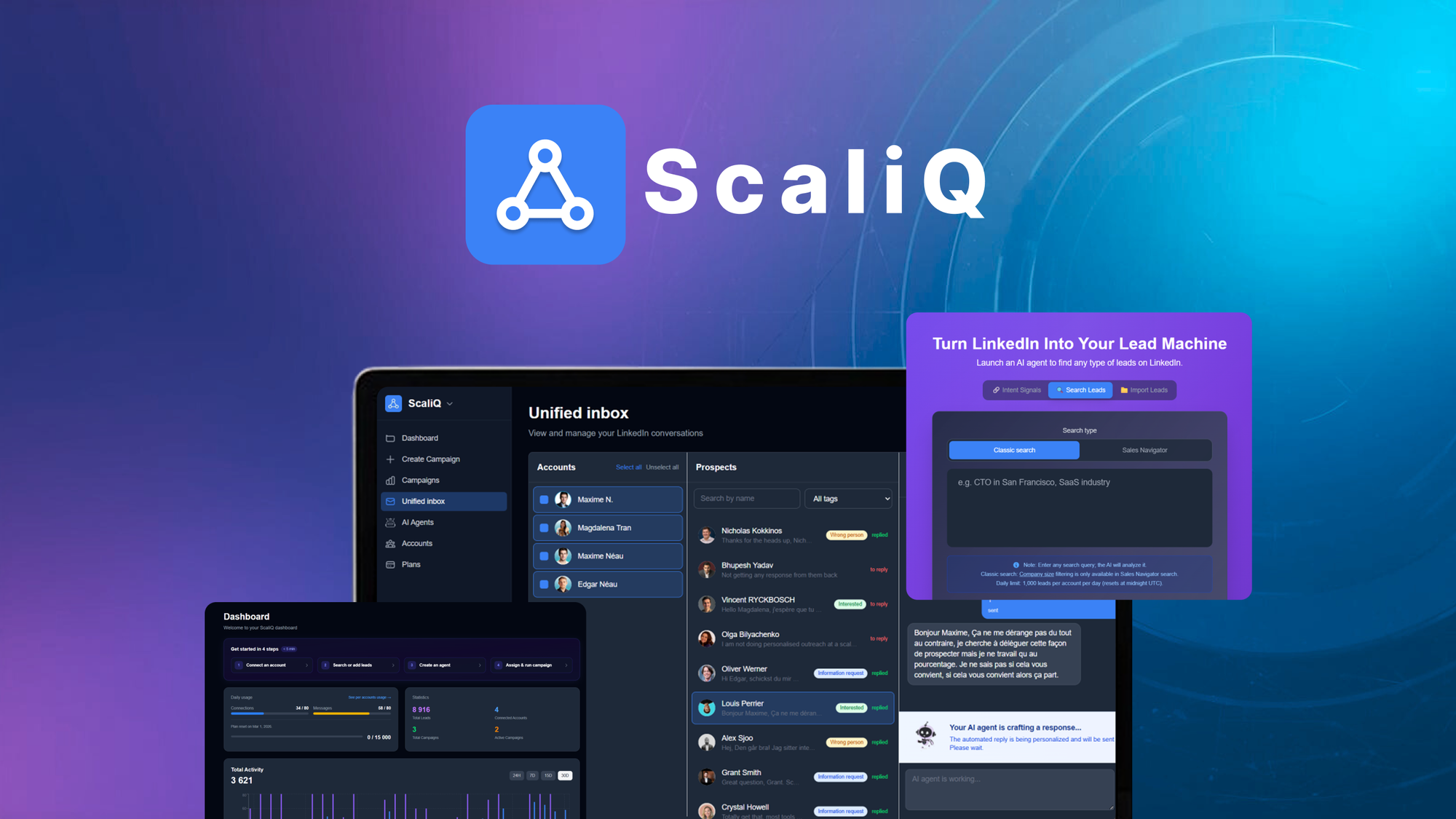
You get an AI-first approach to LinkedIn outreach that actually does the research, personalizes messages, and follows up until a meeting is booked. Setup can be as simple as pasting your website so the agent builds context for your outreach, or you can create manual sequences and let the AI adapt each message for recipients.
The interface includes a unified inbox so you can manage conversations and campaigns in one place, and the team behind the product is responsive when you need help. Use it for everyday lead generation workflows or for bursts of targeted outreach after events, and mix automated agents with manual steps when you want more control.
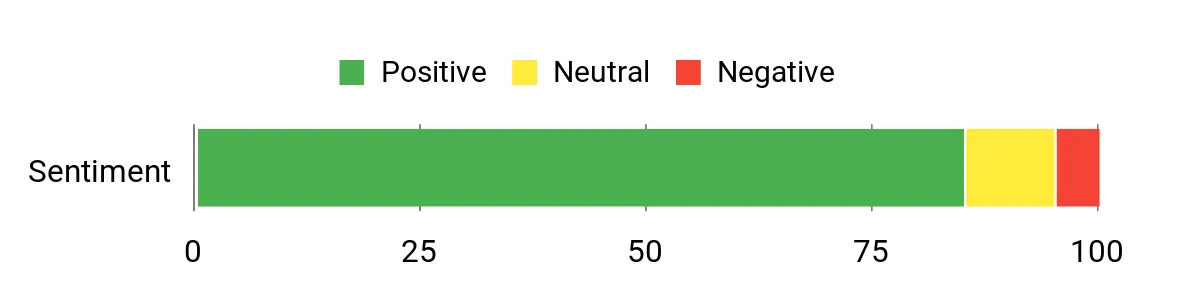
Users highlight how the AI reduces setup friction and saves time, repeatedly calling out the personalization and the helpful support team. Feedback also notes a preference for a preview option and occasional feature requests around importing existing connections directly into campaigns.
Overall Sentiment: Positive
🗣️ info7237G
The AI agents were surprisingly easy to set up — I pasted my website URL and the agent started personalizing outreach without hours of configuration. It researches prospects, adapts a multi-message sequence, and can follow up until a meeting is arranged, which saved a lot of manual work.
🗣️ sumocol
Setup felt simple compared with other tools and the automated agent performed naturally in outreach. I liked switching to a more manual process for a hybrid approach, and the support team was proactive and helpful during setup.
|
Pros |
Cons |
|---|---|
|
✅ AI-driven personalization that reduces manual messaging work |
❌ Limited preview visibility of automated messages (preview feature reportedly in progress) |
|
✅ Simple setup options, including context import from your website |
❌ Can't yet add existing LinkedIn connections directly into a campaign in some workflows |
|
✅ Unified inbox for managing conversations across campaigns |
❌ Handing outreach to AI can feel uneasy until you tune the process |
|
✅ Responsive support and active product development |
|
AI agents move quickly to draft and send tailored outreach, and the platform handles multi-step sequences without sluggishness. Occasional feature polish is ongoing, but day-to-day campaign performance is responsive.
|
Software |
Integration Quality |
|---|---|
|
|
Excellent |
|
RepliQ (video) |
Integrates Well |
|
n8n / API |
Developer Friendly |
|
Email / CRM |
Good |
You can manage multiple accounts and campaigns from a unified inbox, and the team support often steps in with tactical tips. The platform favors a single workspace for campaign oversight so you and collaborators can see message history and responses in one place.
Automate and scale your LinkedIn outreach with AI-powered sequences
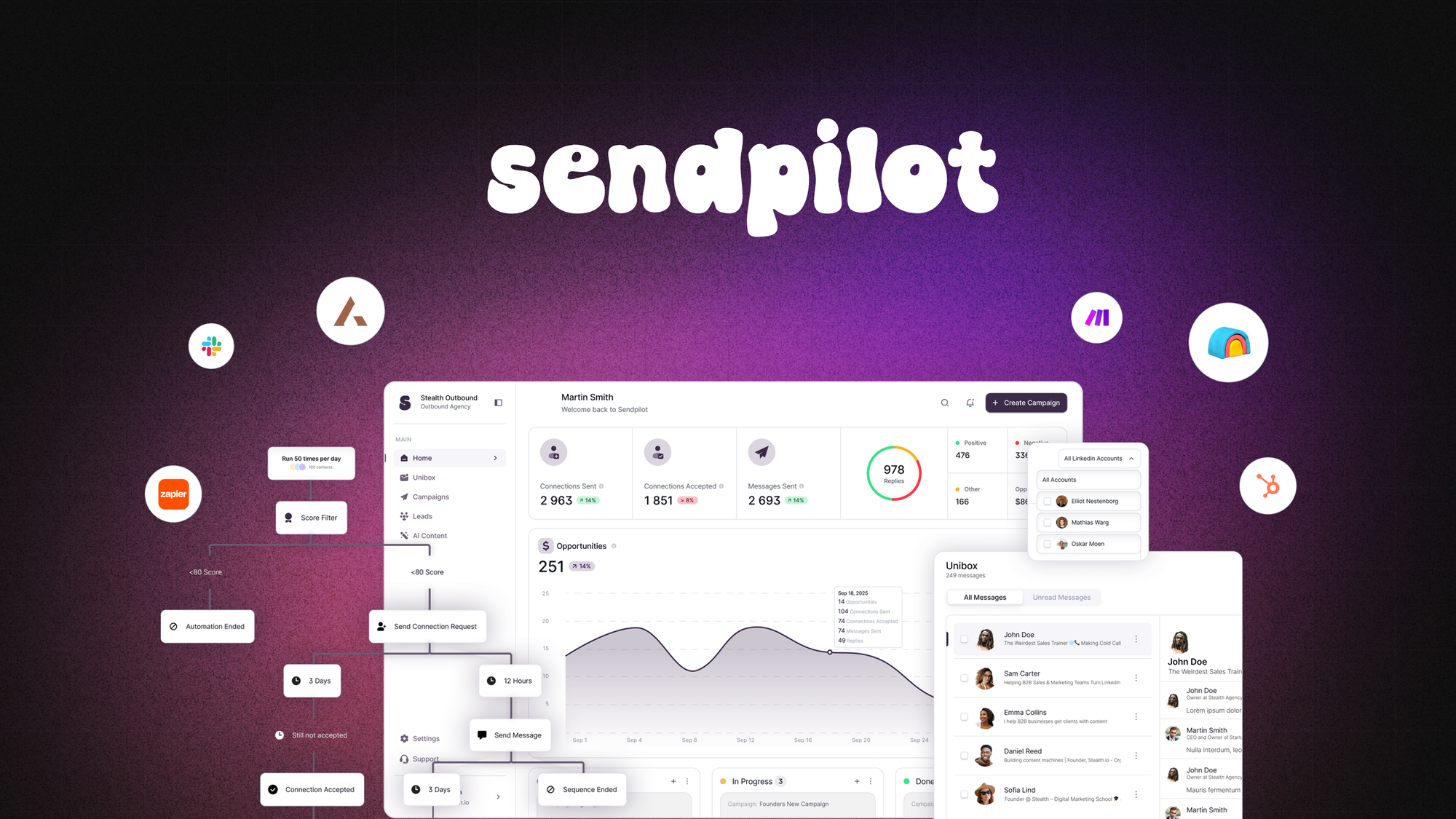
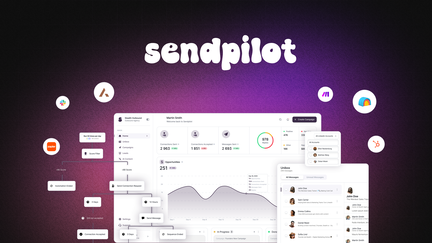
You can use SendPilot to automate routine LinkedIn tasks so you spend less time on repetitive outreach. It helps you find prospects, send connection requests, follow up with messages, and even scrape commenters on competitor posts to build lists. There’s also AI-powered post creation and scheduling if you want to keep your profile active. Use it for day-to-day prospecting or to run focused campaigns after events, and expect a straightforward workflow that mixes manual steps with automation when you want more control.
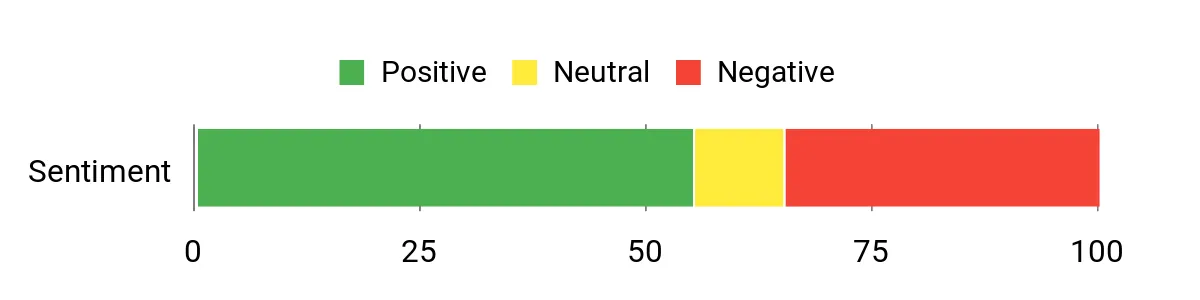
Feedback is split between users who appreciate the straightforward automation and those who ran into reliability or limit issues. Many highlight scenario-based features like commenter scraping and automated follow-ups, while a smaller group describes errors or unexpected LinkedIn limits.
Overall Sentiment: Neutral
🗣️ azizali
You can build straightforward campaigns: find people on LinkedIn, send connection requests, follow up with messages, and engage either manually or automatically. The tool also supports scraping commenters from competitor posts and validating them before adding to campaigns.
🗣️ philipplemke
Users report the tool is easy to use and works as marketed for basic LinkedIn automation and post scheduling, making it a simple replacement for heavier workflows.
|
Pros |
Cons |
|---|---|
|
✅ Covers end-to-end outreach flows from find to follow-up |
❌ Some users report errors on actions that block progress |
|
✅ Comment scraping and ICP validation streamline list building |
❌ LinkedIn invite limits may trigger earlier than expected for some accounts |
|
✅ Built-in AI post creation keeps your profile active |
❌ Mixed experiences on deliverability and consistency |
|
✅ Easy-to-follow workflows suitable for less technical users |
|
Tasks like list scraping and message sequences run steadily, but a few users reported intermittent errors or triggering LinkedIn limits that can interrupt campaign flow.
|
Software |
Integration Quality |
|---|---|
|
|
Good |
|
Comment Scraper |
Effective |
|
AI Post Scheduler |
Useful |
|
Email / CRM |
Moderate |
You can switch between manual engagement and automation as needed, and campaigns are structured so a small team can hand off or monitor outreach without a steep learning curve.
Find high-paying, easy-to-close leads for your local business or agency
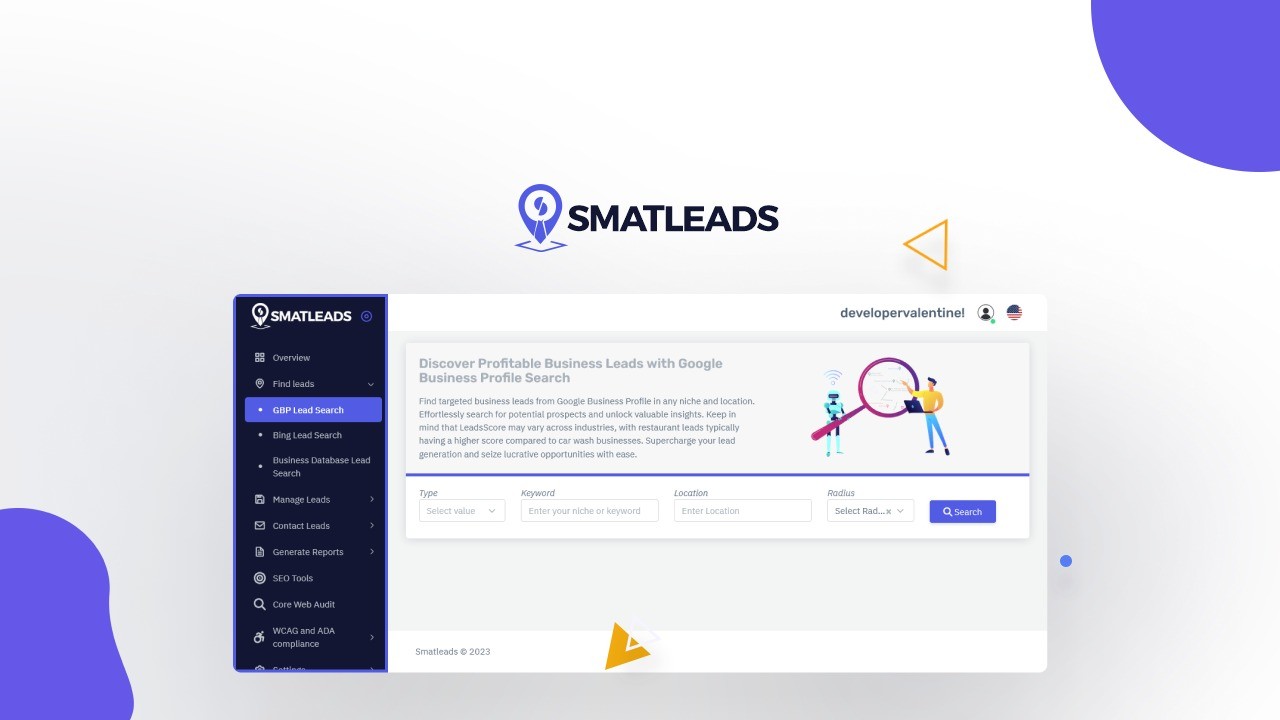
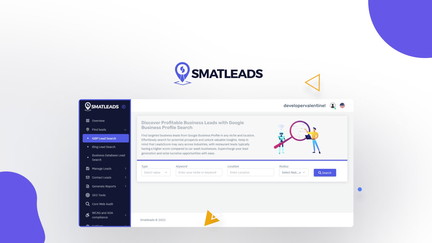
SmatLeads brings lead discovery and outreach into a single place so you can stop juggling spreadsheets and tools. You can pull prospects from Google Business and LinkedIn, verify contacts, save lists as presentation-ready PDFs, and run follow-up campaigns without a lot of friction.
For daily prospecting it speeds up the hunt for qualified leads, and after events or outreach pushes it helps you quickly convert a pile of names into actionable outreach. There’s a small setup if you opt to connect your own Google Maps API, but once configured the workflow is fast and reliable. If you want a lead discovery tool that’s practical and keeps improving, SmatLeads is a solid option to explore.
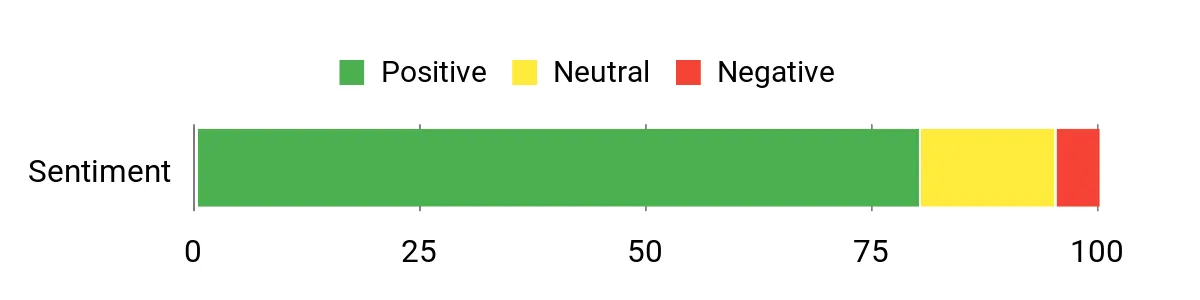
Users praise SmatLeads for accurate, high-intent leads and a workflow that saves time. Many mention the LinkedIn name extraction and how the team actively improves the product, while a few note setup steps for certain integrations.
Overall Sentiment: Positive
🗣️ mike.daniels
These are high-quality leads coming in that I can genuinely use to grow my business. The platform delivered authentic potential customers for a specific niche, which made it a real game-changer for closing sales.
🗣️ kstanberyproperty
The multi-inbox setup and campaign management make it approachable even if you’re not super technical. You can bring leads from other sources like Apollo, verify emails, and run outreach workflows without feeling overwhelmed.
|
Pros |
Cons |
|---|---|
|
✅ Aggregates Google Business and LinkedIn data for cleaner lead lists |
❌ Requires Google Maps API setup for some features |
|
✅ Strong lead extraction and verification features |
❌ Occasional network errors reported in specific regions |
|
✅ Multi-inbox and campaign tools that scale with teams |
❌ Still evolving; a few rough edges remain |
|
✅ PDF exports that are useful for client or internal review |
|
Searches and list generation are generally quick, especially when using the built-in data sources. A few users reported occasional network hiccups, but retrying or adjusting API settings typically resolves them.
|
Software |
Integration Quality |
|---|---|
|
Google Business / Maps |
Excellent |
|
|
Strong |
|
CRM / Email |
Good |
|
Export / PDF Reporting |
Excellent |
You can manage campaigns across multiple inboxes and hand off lists to teammates, and the PDF reporting makes it easy to share prospect batches. Support is responsive and the product roadmap is active, which helps when you need tactical setup or troubleshooting.
You can automate outreach without burning your account if you treat automation like a careful assistant rather than a blunt instrument. Set conservative daily activity limits, warm up new accounts gradually, and monitor responses in a unified inbox so you can pause campaigns if you see warning signs.
Prefer tools that include rate controls and mimic natural pacing, and always test with small batches before scaling.
Modern tools use AI agents to research prospects and tailor messages based on profile data or your website, which saves time while keeping outreach relevant. You should still review and tweak templates for high-value targets and add manual touchpoints where it matters.
If previewing outgoing messages is available, use it to confirm tone and facts so personalization feels genuine rather than robotic.
Focus on outcomes not vanity metrics by tracking reply rate, meeting or demo bookings, and leads moved to pipeline. Run small A/B tests to compare subject approaches, monitor deliverability and any LinkedIn flags, and export or sync campaign data to your CRM to measure conversion.
Iterate on message cadence and targeting based on what actually moves prospects forward rather than raw connection counts.
If you want an end to end AI agent that researches prospects and runs conversations for you, ScaliQ is the most polished choice and excels at personalization and support. If your priority is building high quality lead lists and combining discovery with outreach, SmatLeads gives you strong sourcing and reporting tools.
If budget is the main constraint and you need a straightforward automation layer, SendPilot can work but expect more variability in results and to monitor deliverability closely. Choose the tool that matches how much control versus automation you want, and start small so you can optimize sequences before you scale.
| ScaliQ | Sendpilot | SmatLeads | |
|---|---|---|---|
|
|
|
|
|
| Key Highlights |
|
|
|
| Pricing Plans |
|
|
|
| Get Details | Get Details | Get Details |