You rely on customer support apps to keep conversations moving, reduce response times, and free your team from repetitive tasks. Choosing the right tool helps you deliver faster answers, capture leads across channels, and maintain consistent service around the clock.
This guide highlights options that save you time and improve customer satisfaction so you can focus on higher‑value work.
|
Category |
Product |
Price |
Score |
|---|---|---|---|
|
🤖 Best AI Automation |
$99 |
98/100 |
|
|
💼 Best Multi-Channel |
$49 |
94/100 |
|
|
🎯 Best For Quick Setup |
$49 |
90/100 |
You want an app that balances automation, channel coverage, and ease of use, so we weighed each product on those points. We looked at AI accuracy and training workflow, how many messaging channels and integrations are supported, customization and widget flexibility, pricing versus included features, real user feedback on reliability, and the vendor’s responsiveness to issues.
The result favors apps that let you scale support without adding complexity and that integrate into your existing stack with minimal friction.
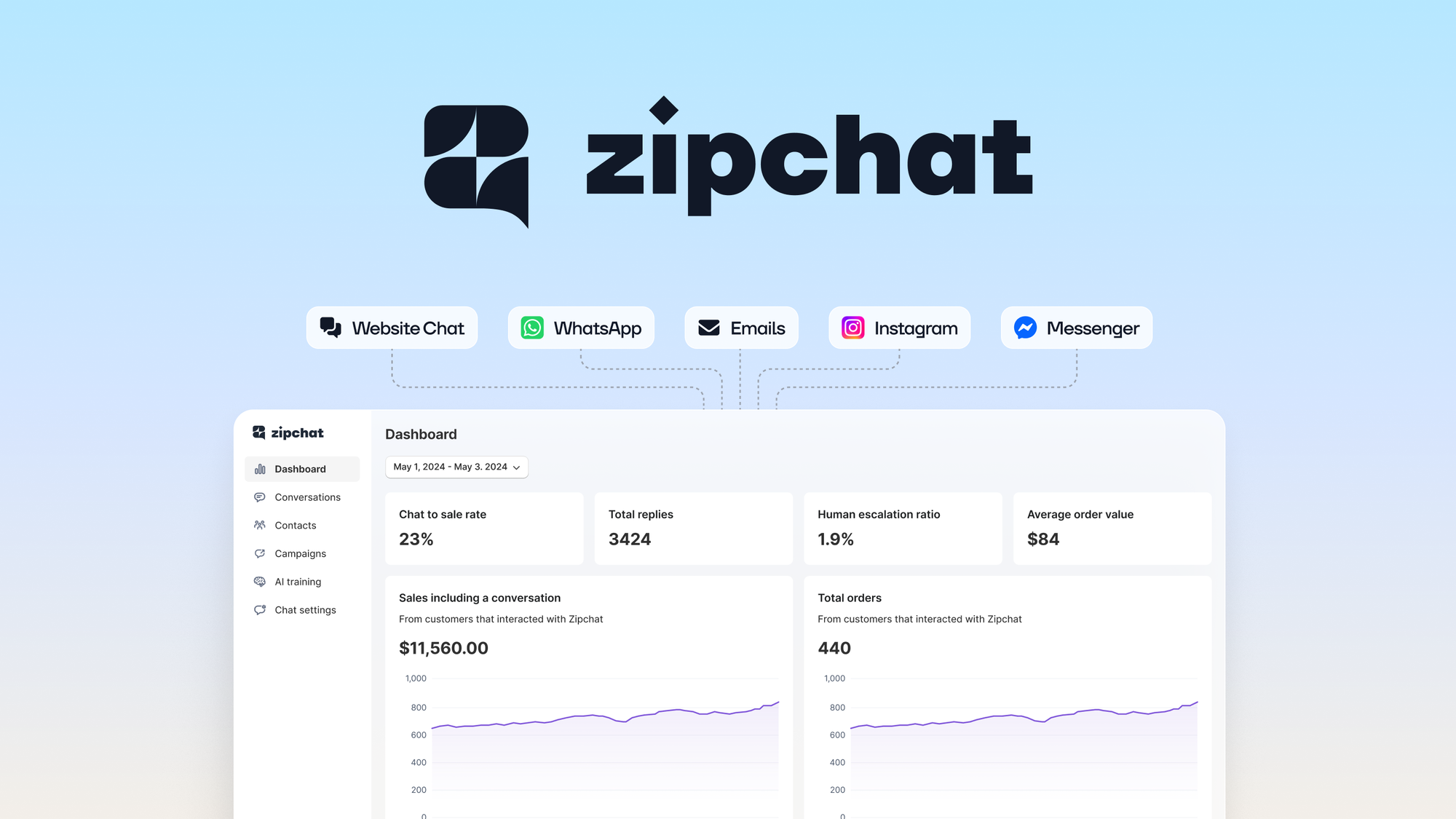
Use this AI agent to handle pre- and post- sales conversations across chat, email, and social 24/7
$99
You can lean on Zipchat AI to automate a huge chunk of day-to-day support while keeping conversations helpful and on brand. Training is straightforward: you can feed it documents or bulk CSVs and have it start answering tickets quickly. For daily use it speeds up responses to common questions and helps you triage issues, and for busy moments like launches or promotions it keeps message volume from overwhelming your team.
It isn't perfectly flexible in every visual setting yet, but if you want a fast, AI-first way to reduce repetitive work, Zipchat is a solid choice you can get working in a short time.
Users repeatedly call out how simple the training process is and how responsive the team can be. Customers highlight fast setup from uploaded data and practical fixes from support, with a few notes about widget customization and data collection gaps.
🗣️ alexordo
Training the AI was very easy — I uploaded a CSV of about 1,400 links, set the prompts, and it started resolving support tickets in less than half an hour. It felt fast, accurate, and practical for real ticket workflows.
🗣️ Yoshichika
Support responded quickly when I reported an issue with Japanese input and fixed it soon after. The team’s responsiveness made the tool reliable for multilingual workflows.
|
Pros |
Cons |
|---|---|
|
✅ Quick AI training and fast ticket resolution |
❌ Limited widget placement and close/visibility options |
|
✅ Handles multiple channels including chat, email, and social |
❌ Cannot currently collect phone numbers via the widget |
|
✅ Responsive customer support that addresses issues promptly |
❌ Some restrictions on editing the main system prompt |
|
✅ Good out-of-the-box accuracy for common queries |
|
|
Aspect |
Ease Level |
Notes |
|---|---|---|
|
AI Training |
Easy |
Upload CSVs or docs and get a working agent quickly; users reported tickets being handled within 30 minutes |
|
Channel Coverage |
Good |
Supports chat, email, and social channels for pre/post-sales conversations |
|
Customization |
Moderate |
Widget behavior and core prompt editing have some limitations that may affect complex setups |
|
Support |
Responsive |
Vendor replies quickly and fixes reported issues, including language input bugs |
Support is actively engaged; users report timely responses and fixes for specific issues, and the team accepts feature requests for roadmap consideration.
Current Price: $99
Rating: 5.0 (total: 15+)
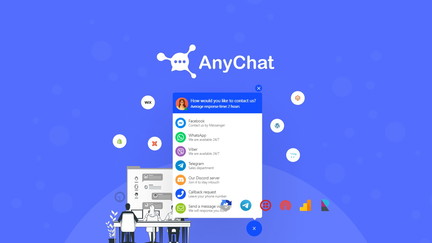
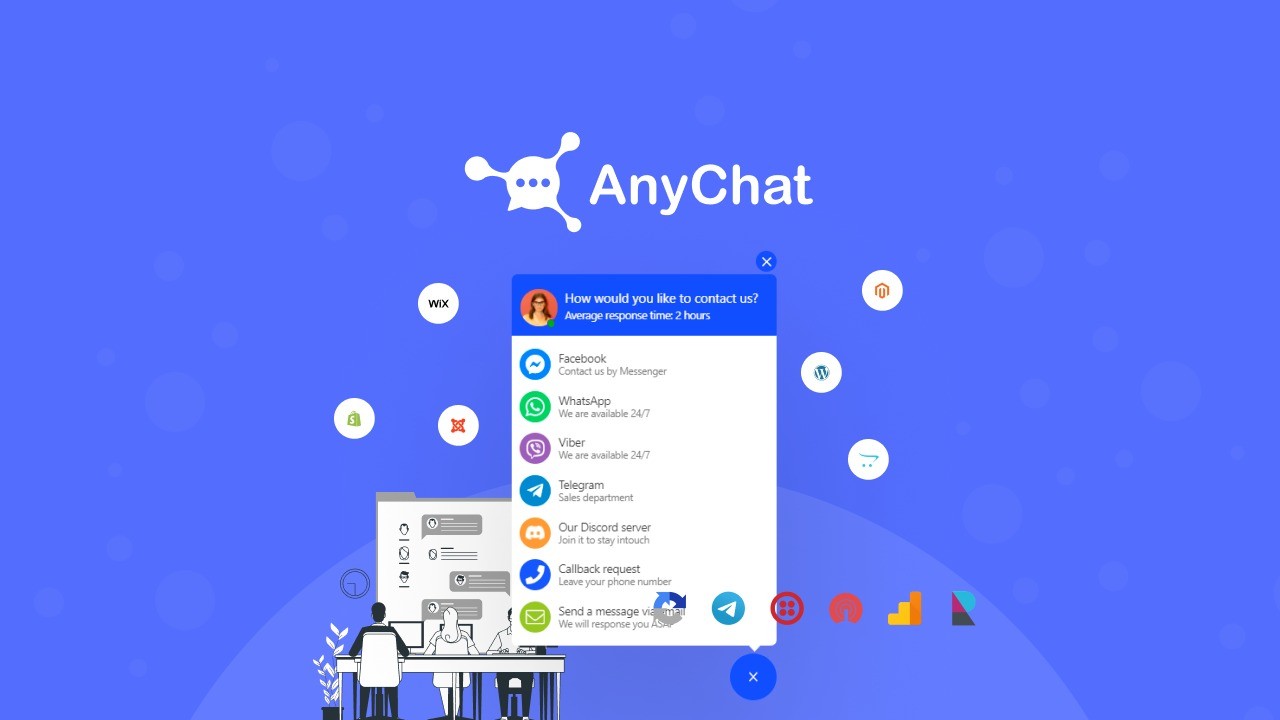
AnyChat widget displays on every page of your site and provides as many contact methods as you want
$49
You can use AnyChat as a lightweight widget for day-to-day visitor questions or as a central hub that links chat, WhatsApp, Messenger and email into one flow. Setup is straightforward so you can embed a custom widget that matches your site, route tickets, and run WhatsApp campaigns without a ton of overhead. For regular support work it reduces back-and-forth and helps you keep conversations in one place, and for busy moments like marketing pushes you can automate outreach and track contacts via the API.
If you want a flexible, multi-channel option that grows with your needs, AnyChat is easy to start with and adds value as you explore its integrations.
Users praise AnyChat for being reliable over time, easy to embed, and rich in features that you might only discover as you dig in. Feedback highlights strong integration options and responsive support, with a few notes about minor UI or contrast issues.
🗣️ Stan_9000
This has been solid and versatile over years of use. You can build a fully custom widget, connect to WhatsApp, Messenger and other services, and use features like ticket organization, chat flows and AI assistance; support replied quickly when I needed help.
🗣️ MByQ
The app has improved steadily and now includes a full API and webhook, plus official META WhatsApp API support for campaigns. If you plan to automate workflows or run WhatsApp campaigns, the platform gives you the tools to do that without complex extra services.
|
Pros |
Cons |
|---|---|
|
✅ Wide channel coverage and integration options |
❌ Some features are tucked away under 'show all included features' and take time to find |
|
✅ Custom widget elements and mobile apps available |
❌ Minor UI issues like dark mode contrast reported by users |
|
✅ API/webhook support for automation and campaigns |
❌ Occasional small bugs that require support attention |
|
✅ Active development and responsive support |
|
|
Aspect |
Ease Level |
Notes |
|---|---|---|
|
Setup |
Easy |
Embed the widget quickly and pick contact methods that suit your site. |
|
Integrations |
Good |
Connect to WhatsApp, Messenger, WordPress and other services; official META WhatsApp API is supported. |
|
Customization |
Moderate |
You can build custom chat flows and widget elements, though some options are not immediately obvious. |
|
Automation |
Advanced |
API and webhooks let you automate workflows and run campaigns, which may require developer setup. |
Support is responsive and actively engaged; users report timely replies and fixes, and the team shares updates in community channels.
Current Price: $49
Rating: 4.83 (total: 130+)
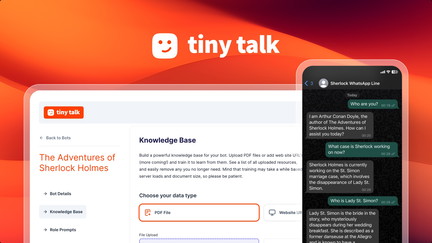
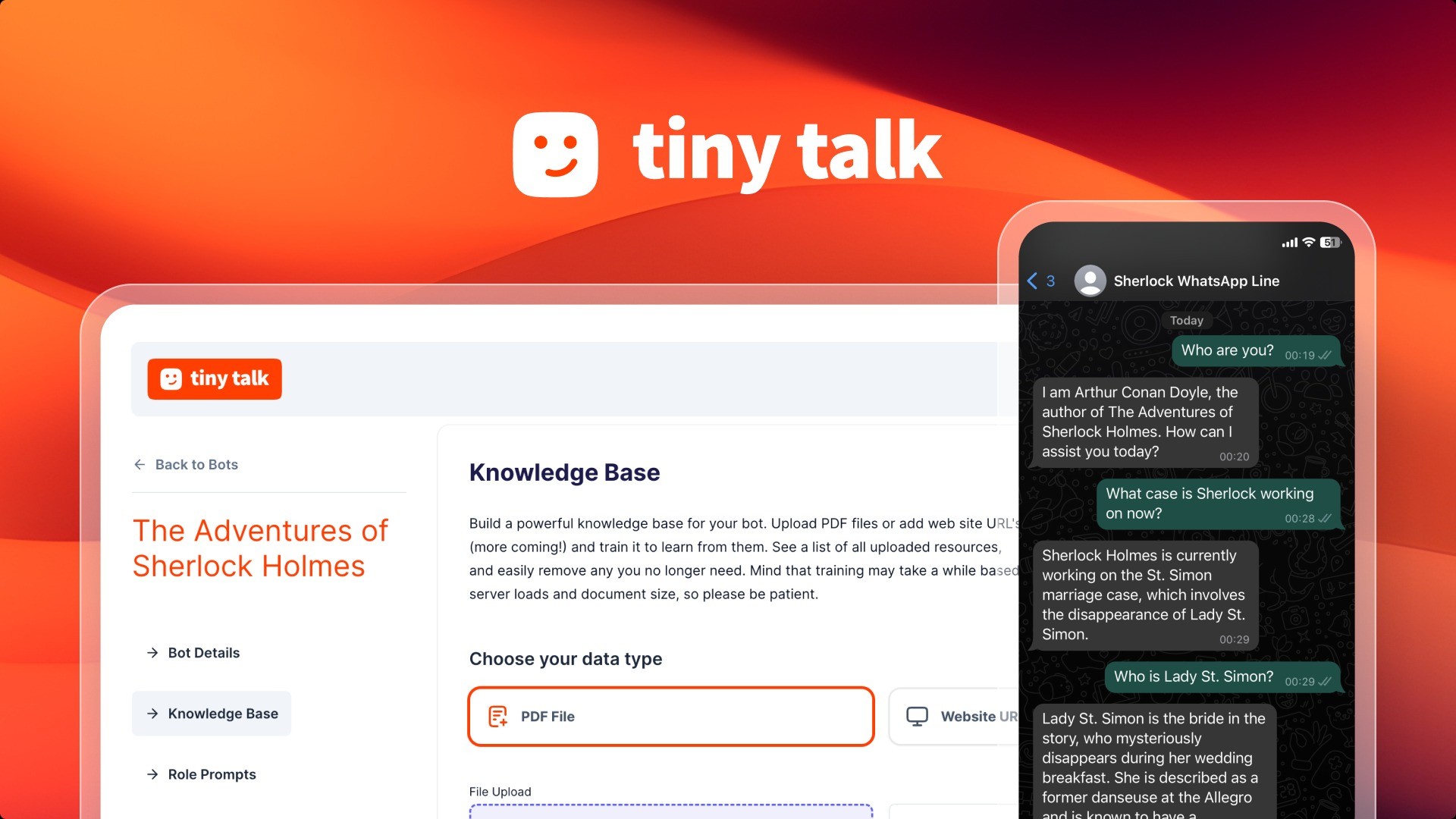
Create AI chatbots trained on websites & docs, integrate with WhatsApp or APIs, and embed on websites quickly.
$49
You can get Tiny Talk up and running without a steep learning curve. It’s designed so you can train a chatbot on your site content or documents and deploy it on pages fast, which is handy for routine support and for spikes like product launches.
For everyday use it trims repetitive questions and hands off common tasks, and when you need more power you can connect it to WhatsApp or APIs and pull data from tools like Google Drive or Notion. If you want a straightforward chatbot that doesn’t demand a lot of setup time, Tiny Talk is a solid, practical choice.
Users highlight how easy it is to set up bots from documents and praise the support team for practical, hands-on help. A few have flagged billing or account edge cases, but the common thread is fast onboarding and a clean interface.
🗣️ bhushan
The platform is easy to use and makes it straightforward to create and deploy a chatbot using our documents, which saved us a lot of time. Support was responsive and helped ensure everything was set up correctly.
🗣️ webcoach
The UI is smooth and well designed; I was able to set it up without a hitch and the interface feels high functioning for regular use.
|
Pros |
Cons |
|---|---|
|
✅ Fast, document-driven bot creation |
❌ At least one reported billing synchronization issue affecting lifetime plans |
|
✅ Clean, well-designed UI that’s easy to navigate |
❌ Some features like analytics were promised and only recently rolled out |
|
✅ Good support that helps with setup and troubleshooting |
❌ Advanced integrations may require occasional vendor help |
|
✅ New integrations and analytics being added regularly |
|
|
Aspect |
Ease Level |
Notes |
|---|---|---|
|
Setup |
Easy |
Users report smooth initial setup and quick deployment of chatbots. |
|
Interface |
Smooth |
Well-structured UI that non-technical users find approachable. |
|
Integrations |
Good |
Connects to WhatsApp, APIs and tools like Google Drive and Notion; some integrations are new. |
|
Analytics |
Developing |
Analytics dashboard launched recently, still maturing. |
Support is noted as attentive and helpful, with staff like Oscar assisting setup and answering questions quickly; some account issues have been addressed by the team.
Current Price: $49
Rating: 4.61 (total: 41+)
You pick an app based on how you communicate with customers and how much automation you want. If you need heavy AI automation that can be trained from documents or a CSV, a solution like Zipchat AI that gets running fast may be best; if you need broad channel coverage across WhatsApp, Messenger and site chat, AnyChat shines with integrations and webhooks; if you want something quick to set up and easy to manage, Tiny Talk is built for fast deployments. Before you buy, map the channels you use, decide whether you need APIs for automations, and compare the price points like $49 and $99 against the features you’ll actually use.
AI can handle a lot of routine tickets well once it’s trained, but you should expect an initial tuning period. Users report training from a CSV or docs gets results quickly, and fixes for language input have been handled by support, yet some platforms limit editing of core prompts or data collection fields, so test the bot on real tickets, set clear escalation rules for tricky cases, and monitor accuracy during the first weeks.
Treat the AI as a time‑saver that reduces repetitive work rather than a fully autonomous replacement for complex support workflows.
Make sure you check message limits, billing terms and lifetime plan details, since a few users have reported account or billing sync issues; verify widget customization and placement so it won’t interfere with your UI; confirm whether the widget can collect the customer fields you need like phone numbers; ask about integrations such as official WhatsApp API, webhooks and analytics; and ping support with a technical question to gauge responsiveness, because real‑world support and timely fixes are often mentioned as a deciding factor.
If you want the smartest automation and rapid ticket resolution, Zipchat AI is built around AI training and fast responses. If your priority is broad channel coverage and a feature-rich widget that scales across sites and messaging platforms, AnyChat offers strong integrations and value.
If you need a straightforward chatbot you can deploy quickly with helpful support, Tiny Talk keeps setup simple and effective. Pick the app that matches the channels you use and the level of automation you want so you can reduce manual work and keep customers satisfied.
| Zipchat AI | AnyChat | Tiny Talk | |
|---|---|---|---|
|
|
|
|
|
| Rating | 5.0/5 (15 reviews) | 4.83/5 (130 reviews) | 4.61/5 (41 reviews) |
| Key Highlights |
|
|
|
| Support Quality | Responsive and friendly with a focus on user feedback. | Known for responsive customer support; actively addressing user queries. | Excellent customer service with responsive support and proactive updates. |
| Limitations | Limited widget customization; current inability to collect phone numbers. | Minor bugs reported; some features may be hidden under 'show all included features'. | Encountered issues with lifetime plan messaging limits; dashboard needs updates. |
| Price | $99 | $49 | $49 |
| Get Details | Get Details | Get Details |