
You use email every day to connect with customers, so picking the right Email marketing software matters more than you think. This short guide helps you compare three different tools so you can choose one that improves deliverability, strengthens brand consistency, or speeds up cold outreach without wasting time or budget.
|
Category |
Product |
Price |
Score |
|---|---|---|---|
|
🏆 Best For Signatures |
$39 |
84/100 |
|
|
🎯 Best For Cold Outreach |
$125 |
64/100 |
|
|
⚠️ Most Risky |
$19 |
20/100 |
You want tools that make your Email marketing work rather than create more problems. I looked at deliverability and inbox reputation first because even the best designs mean nothing if messages never arrive. Ease of setup and integrations with Gmail, Outlook, and CRMs were next since a smooth rollout saves time for you and your team. Analytics and automation matter for measuring results and scaling campaigns, while design and customization affect the professionalism of your outbound messages.
Finally, support responsiveness and price determine whether a tool will serve you reliably as needs grow.
Create professional email signatures that boost brand consistency in just a few clicks
$39
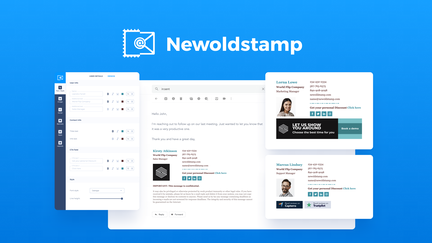
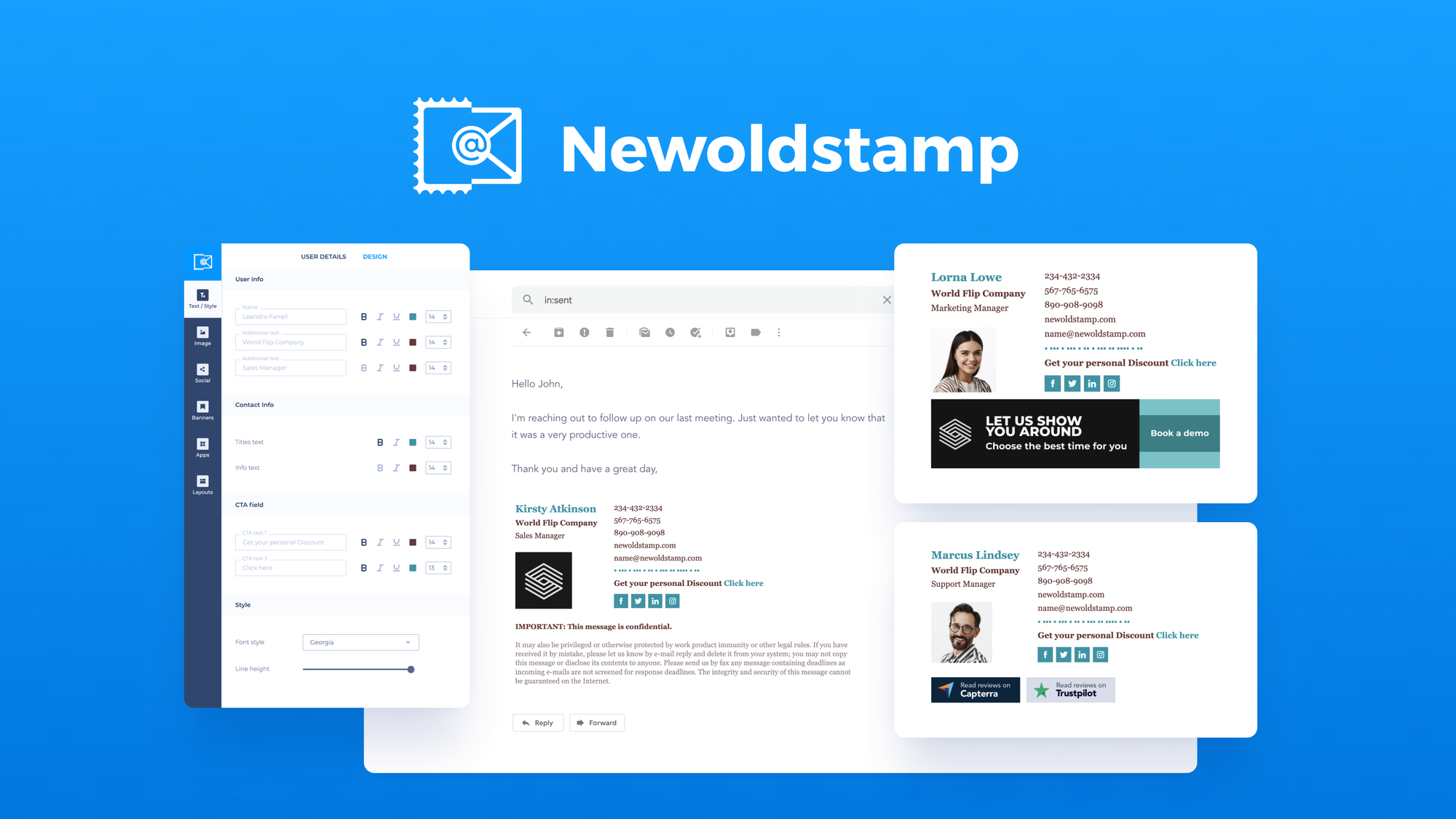
You want every outbound email to look polished without babysitting signatures. NewOldStamp centralizes signature design and deployment so you can lock in fonts, logos, social icons, and campaign banners from one dashboard.
It’s handy for daily use when you want consistent, on-brand replies and especially useful during product launches or seasonal campaigns when you need to update banners across the company at once. Setup is usually quick for Gmail and Outlook, it tracks clicks on banners, and it saves time on onboarding new hires.
If you value brand polish and measurable signature links, this is a practical choice to try on a small team first and then roll out.
You’ll find a lot of customers praising the brand consistency and easy rollout, especially the banner analytics and time saved on signature management. Some users point out limits in design flexibility and occasional reliability issues across different email clients, so people recommend a phased rollout.
🗣️ Pixelmeister
Rolling out NewOldStamp across our team cleaned up messy signatures and made deployment to Gmail and Outlook straightforward. The banner and link analytics helped tie signature clicks back to campaigns and saved a lot of time on updates.
🗣️ StanKahn
Easy way to add professionalism to your emails; simple to use and customize which makes it useful for small teams that need a quick, consistent signature solution.
|
Pros |
Cons |
|---|---|
|
✅ Centralized signature control keeps brand consistent |
❌ Some users report inconsistent rendering across Outlook desktop, web, and mobile |
|
✅ Good banner/click analytics for measuring engagement |
❌ Design customization can feel limited for advanced designers |
|
✅ Fast to deploy to Gmail/Google Workspace and Outlook |
|
|
Aspect |
Ease Level |
Notes |
|---|---|---|
|
Setup |
Easy |
Clear install options like copy-paste HTML, add-ins, or admin rollout make initial setup fast for most teams. |
|
Template Editing |
Moderate |
Templates are polished but lack a full drag-and-drop editor and finer padding controls that designers sometimes want. |
|
Cross-Client Reliability |
Challenging |
Signatures generally render well, but some users reported inconsistent behavior between Outlook desktop, web, and mobile. |
You can manage signatures centrally, maintain role or team variations, deploy banners globally, and track link performance so marketing and IT stay aligned during campaigns or hires.
Current Price: $39
Rating: 4.72 (total: 108+)

Maximize your sales potential with Mystrika: more replies, more revenue, and less manual follow up.
$125
You want a tool that turns cold outreach into real conversations without spending all day on follow ups. Mystrika combines AI warmup, personalized sequences, and reputation monitoring so you can send higher-volume campaigns with better inbox placement. Use it daily to automate follow ups and track opens, and lean on it for special outreach pushes like product launches or seasonal promotions.
It can take a bit of setup, but when it runs well you’ll see more replies and fewer emails slipping to spam. For Email marketing that focuses on outreach and deliverability, it’s a practical option to test with a small list first.
Customers highlight measurable improvements in reply rates and delivery when the warmup and tracking are used correctly. Several users praise the sales results from cold campaigns, while others note challenges with initial setup and support response times.
🗣️ danish80
Delivery improved dramatically over a couple of weeks, going from under 10% to near 99% according to online tests and recipient confirmations. The tech handled warming and tracking reliably once configured.
🗣️ GrowthTriads
Used for cold email campaigns and actual sales conversions; good results when paired with the higher tiers and responsive support that answered questions quickly.
|
Pros |
Cons |
|---|---|
|
✅ Strong cold outreach features with follow up automation |
❌ Some users report poor onboarding support and setup friction |
|
✅ Email warmup and reputation monitoring improve deliverability |
❌ Occasional bugs related to adding email addresses |
|
✅ Good value for volume-focused users |
❌ UI could use improvements for long-term usability |
|
Aspect |
Ease Level |
Notes |
|---|---|---|
|
Setup |
Moderate |
Setup offers clear features but some users need extra help to configure email warmup and DNS settings. |
|
Deliverability |
Good |
Automated warmup and daily reputation checks boost inbox placement after an initial period. |
|
Campaign Management |
Easy |
Sequence creation and automated follow ups are straightforward once accounts and sending limits are set. |
Workspaces and team controls let you manage multiple accounts, share tracking dashboards, and use whitelabel options on higher tiers so marketing and sales stay aligned.
Current Price: $125
Rating: 4.16 (total: 86+)
Track, analyze, and optimize your emails with real-time insights
$19
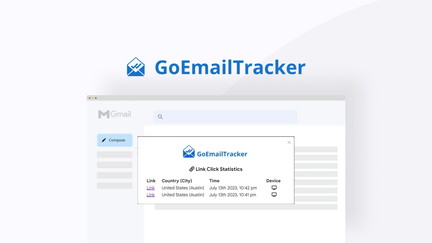
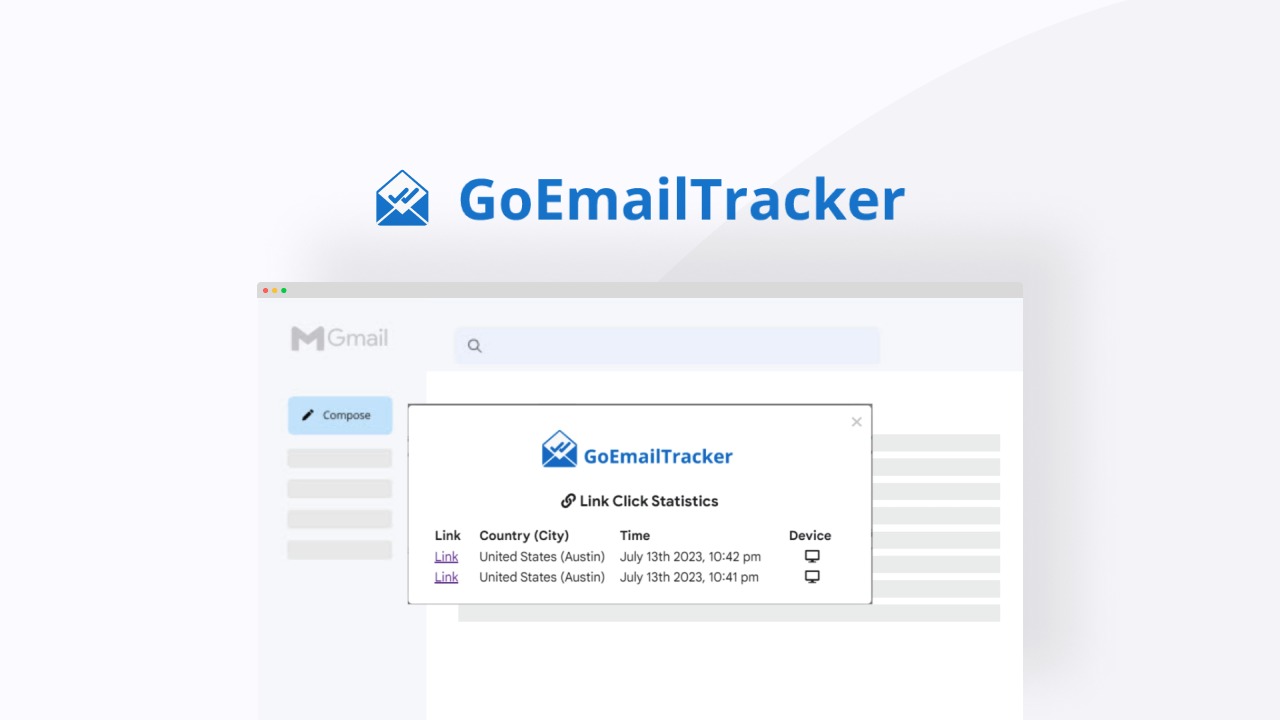
You get detailed open, click, and geolocation tracking that can be useful for daily campaign checks and one-off outreach pushes. Use it to spot which links get attention, test subject lines, and monitor engagement during product launches or support outreach.
The interface surfaces live notifications and an activity feed so you can react fast. That said, several users reported severe deliverability and safety problems after installation, so try it on a non-critical address or small test domain before switching core sending domains.
Users give very specific feedback about what happened when they installed the tool. Many point to accurate tracking and helpful notifications, while multiple detailed reports warn of domain reputation damage and blocked emails after use.
🗣️ Digital_Beacon
Out of nowhere my entire domain started getting treated as unsafe. Emails were labeled dangerous or phishing and several were blocked entirely. I spent over an hour investigating and contacted Google Workspace support; the situation remained unresolved and it caused real business disruption.
🗣️ ZapPappy
This made my domain's email spam and undeliverable. I lost a whole day un-fragging what this software did, which is a useful warning if you plan to test it on a business domain.
|
Pros |
Cons |
|---|---|
|
✅ Comprehensive open and click analytics |
❌ Multiple reports of emails being flagged as phishing or unsafe |
|
✅ Live notifications and activity feed help you respond quickly |
❌ Some users experienced blocked links and domain reputation damage |
|
✅ Useful Gmail Workspace add-on for mobile and desktop |
❌ Support responses and fixes appear inconsistent |
|
Aspect |
Ease Level |
Notes |
|---|---|---|
|
Setup |
Moderate |
You can enable tracking and connect Gmail quickly, but double-check DNS and test on a spare address first. |
|
Tracking Accuracy |
Good |
Open and click logs are detailed and the activity feed is handy for monitoring engagement in real time. |
|
Deliverability Risk |
Problematic |
Several users reported deliverability and safety warnings after installation, so plan a cautious rollout and monitor reputation metrics closely. |
You can share activity feeds and use live notifications to keep teams informed, but there are limited built-in team management tools compared with full email marketing suites.
Current Price: $19
Rating: 3.09 (total: 22+)
Start by matching the tool to your goal: if you need on-brand signatures and banner analytics, a $39 signature manager might be ideal; if you focus on cold outreach and warmup, consider a platform around $125 with reputation features. Look for clear deployment paths for Gmail and Outlook, readable analytics, and responsive support, and prioritize tools that solve your immediate problem rather than the one with the flashiest feature set.
Yes, tracking tools can affect deliverability if they change link behavior or trigger safety filters, as some users reported with tracking add-ons. You should test on a non-critical address or test domain, verify SPF/DKIM/DMARC are correct, use gradual warmup, and watch reputation metrics while you test to catch problems early.
Run a short pilot with a small team and clear metrics for opens, clicks, and inbox placement, monitor results for 1–2 weeks, and keep a rollback plan ready. Involve IT for DNS or integration steps, confirm support responsiveness, and compare real campaign performance to your baseline before wider rollout.
If your priority is consistent, professional email signatures that reinforce brand identity, NewOldStamp is the practical choice and offers strong templates and analytics at a reasonable price. If you need a tool focused on scalable cold outreach and automated warmup, consider Mystrika but be ready for mixed feedback on support and setup. If you are looking at very cheap tracking tools, treat GoEmailTracker with caution because multiple users reported serious deliverability and safety issues.
Match your pick to whether you value brand consistency, outreach automation, or safe, reliable deliverability and run a small pilot before full rollout.
| Newoldstamp | Mystrika | GoEmailTracker | |
|---|---|---|---|
|
|
|
|
|
| Rating | 4.2/5 (108 reviews) | 3.2/5 (86 reviews) | 1.0/5 (22 reviews) |
| Unique Highlights |
|
|
|
| Ease of Use | - User-friendly interface - Quick setup for Gmail/Google Workspace and Outlook - Requires minimal technical knowledge for deployment | - Requires technical knowledge for optimal setup - Some features perceived as complex for beginners | - Simple interface but plagued by deliverability issues - Quick setup for tracking features |
| Pricing Plans | - $39 for single license, original price $109 - Pricing includes upgrades and features | - $125 for single license, original price $619.99 - Tiered pricing based on the number of codes purchased - More codes increase contact limits and features | - $19 for single email address, original price $40 - Unlimited email tracking within discount plan |
| Support & Customer Feedback | - Mixed reviews on customer support responsiveness - Several users reported issues but were assured by support team about fixes. | - Reports of inadequate customer support - Users seeking assistance have had mixed experiences with timely responses. | - Significant negative feedback regarding customer service - Users report email deliverability issues associated with using the tool. |
| Get Details | Get Details | Get Details |


.png)